The chess coach you talk to.
Hands free. Solrac listens, thinks with a grandmaster-level engine, and speaks back.
Coming soon to Windows and Mac, then Linux. Special introductory pricing for the waitlist.

- You say: Who's better here?
- Solrac answers: About level. White keeps the first move's small edge.
- You say: What's Black threatening?
- Solrac answers: Nothing yet. Their knight eyes e4, and your knight on c3 guards it.
- You say: Give me a hint.
- Solrac answers: That bishop on f1 wants out.
- You say: Bishop to b5.
- Solrac answers: Bishop b5: the Spanish Four Knights. A classic.
Solrac is a chess coach you can talk to. Ask who's better. Ask what your opponent is threatening. Ask how your last move was. It listens without a button to press, checks with a grandmaster-level engine, and speaks back.
The board
A board worth sitting at.
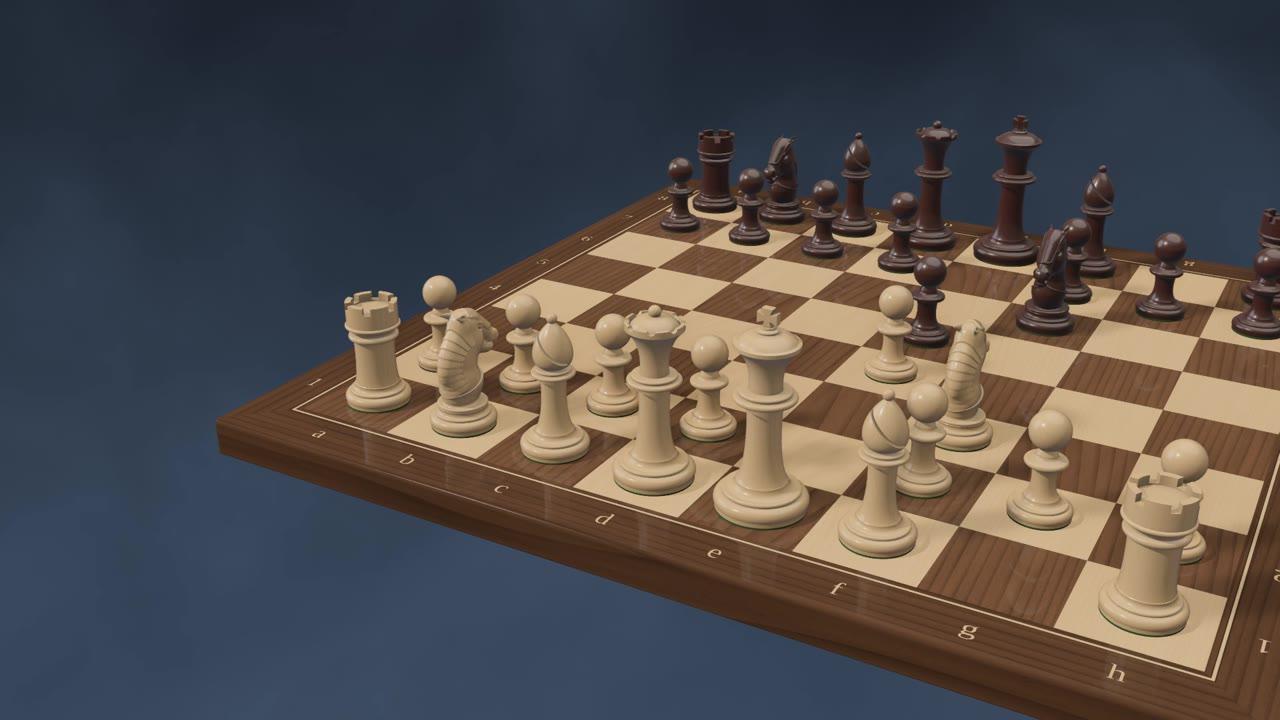
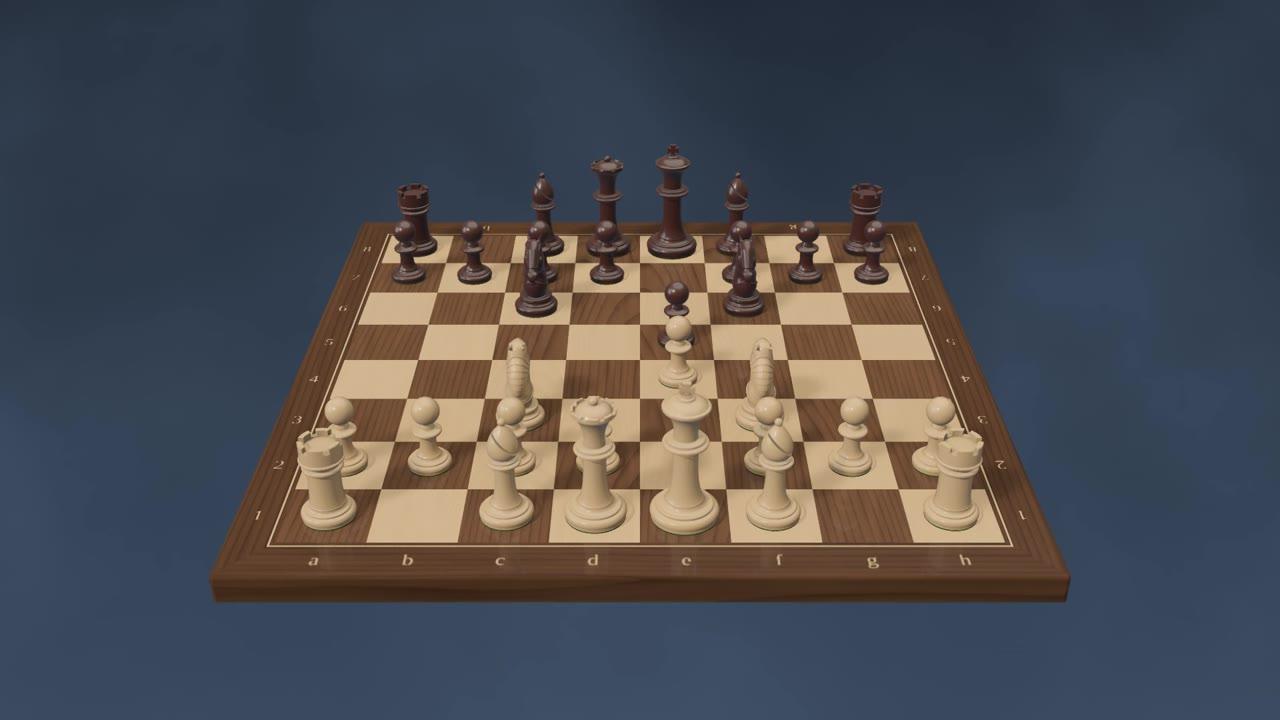
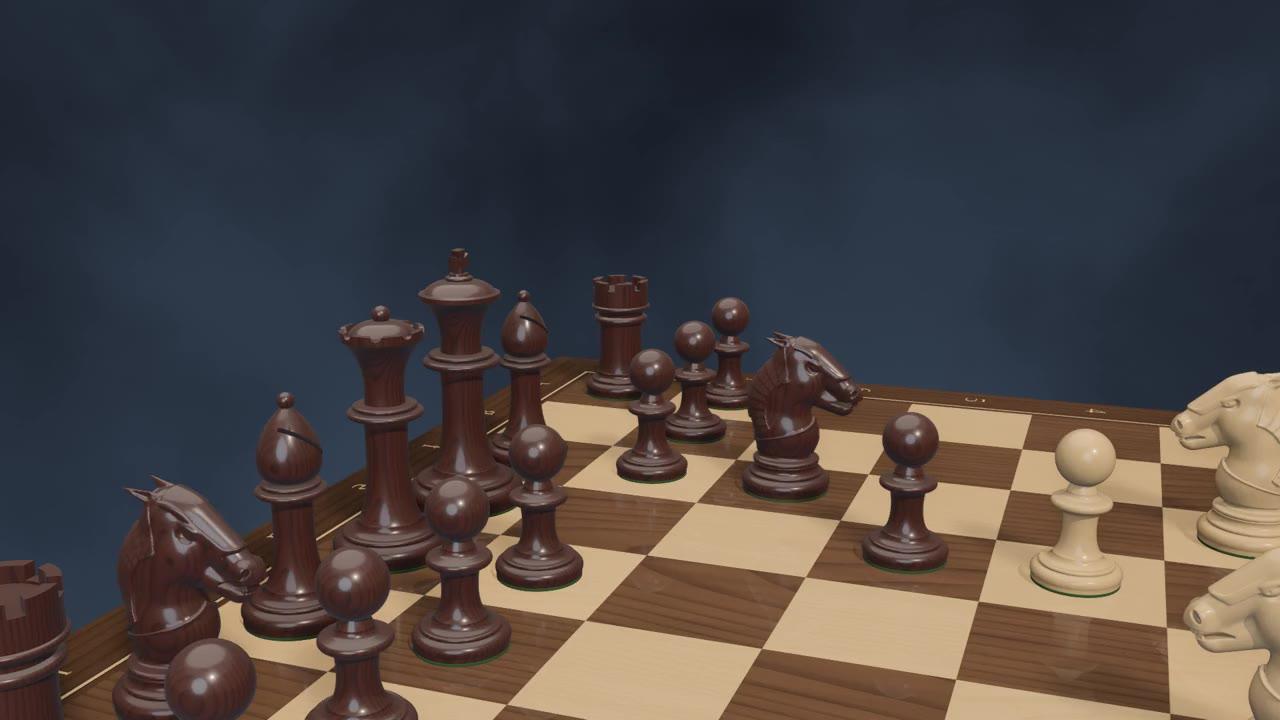
A photoreal tournament set in boxwood and rosewood, on a walnut-and-maple board, lit by the sun. Every piece lifts, glides and lands with a click.
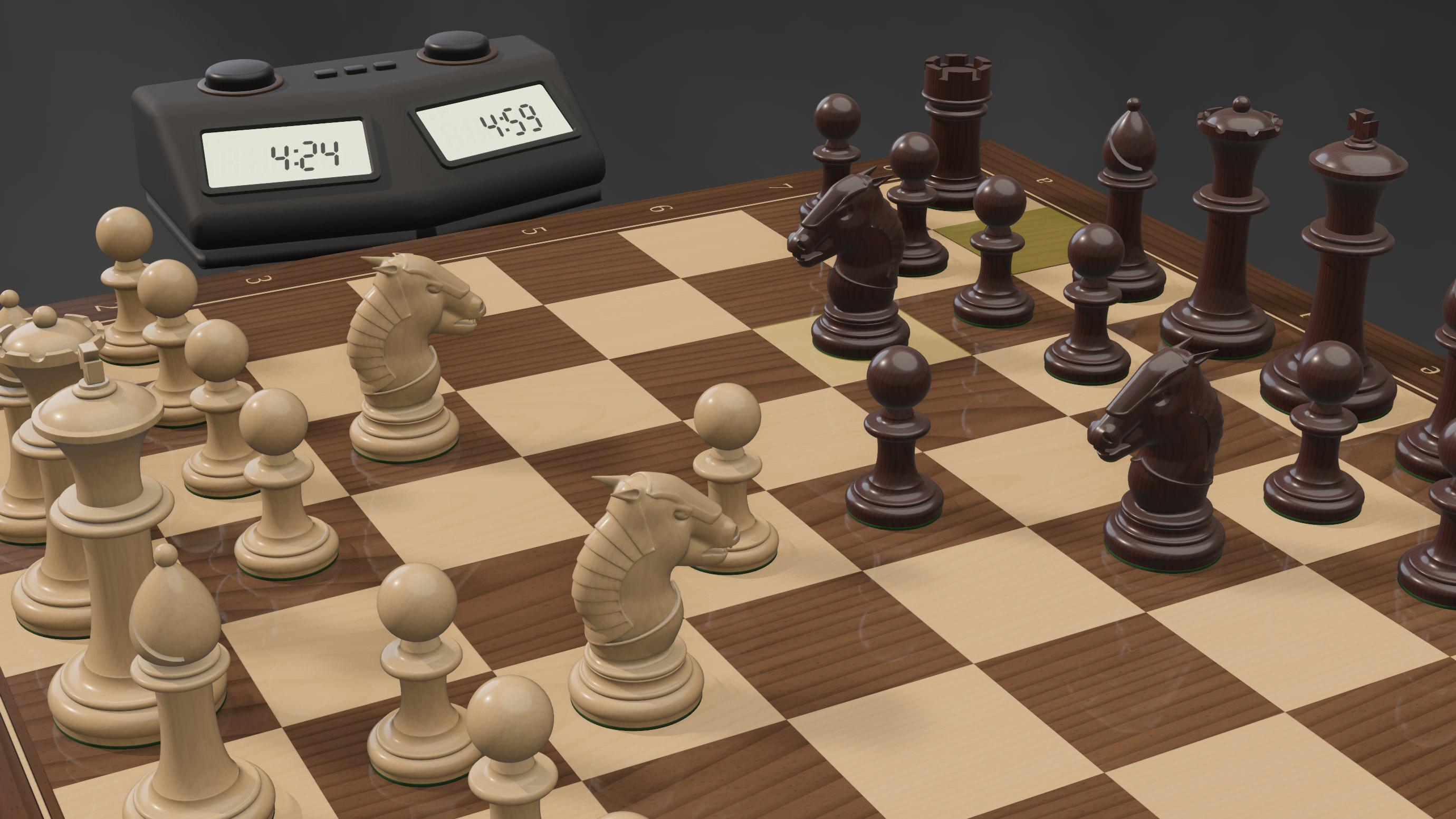
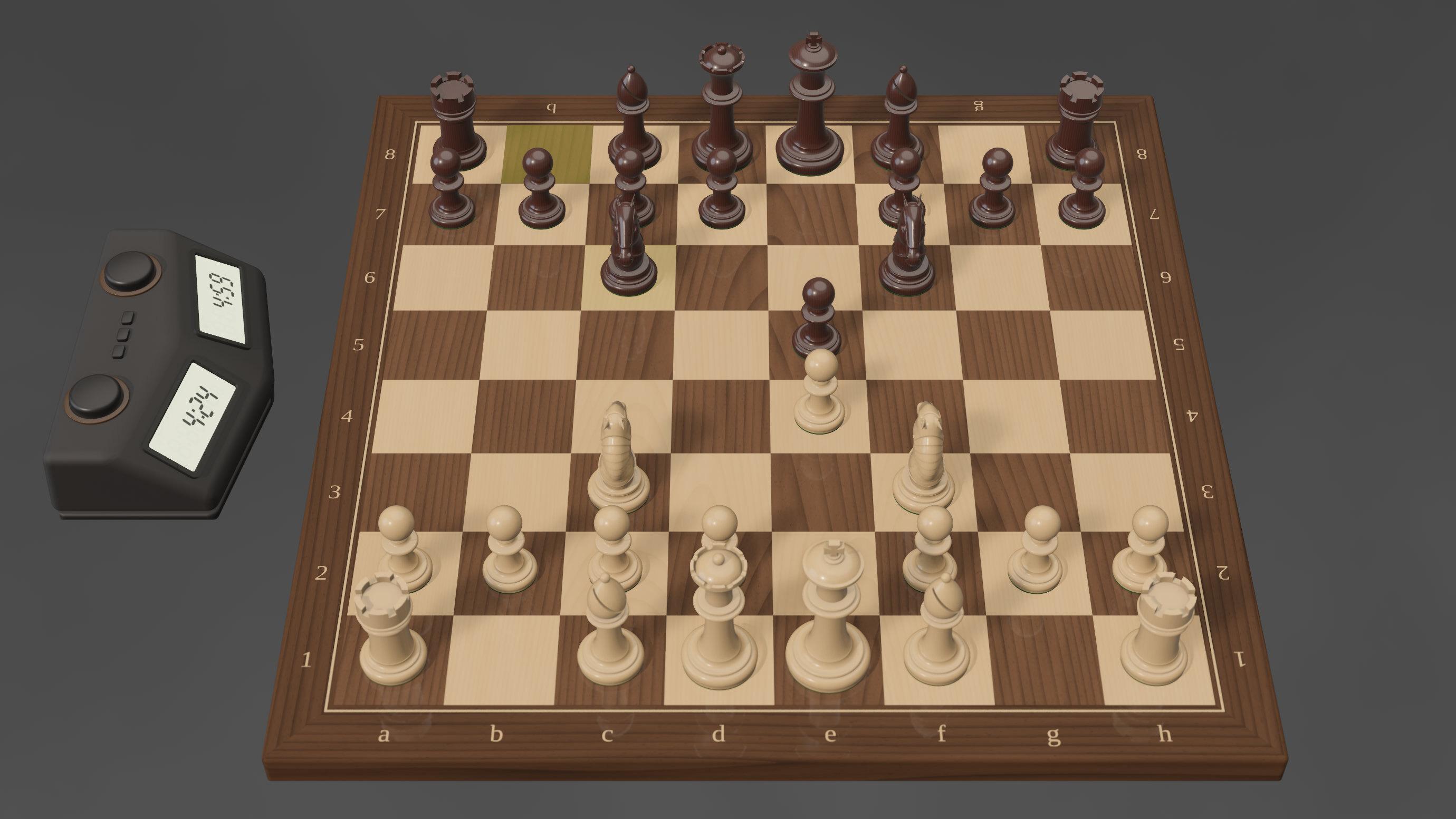
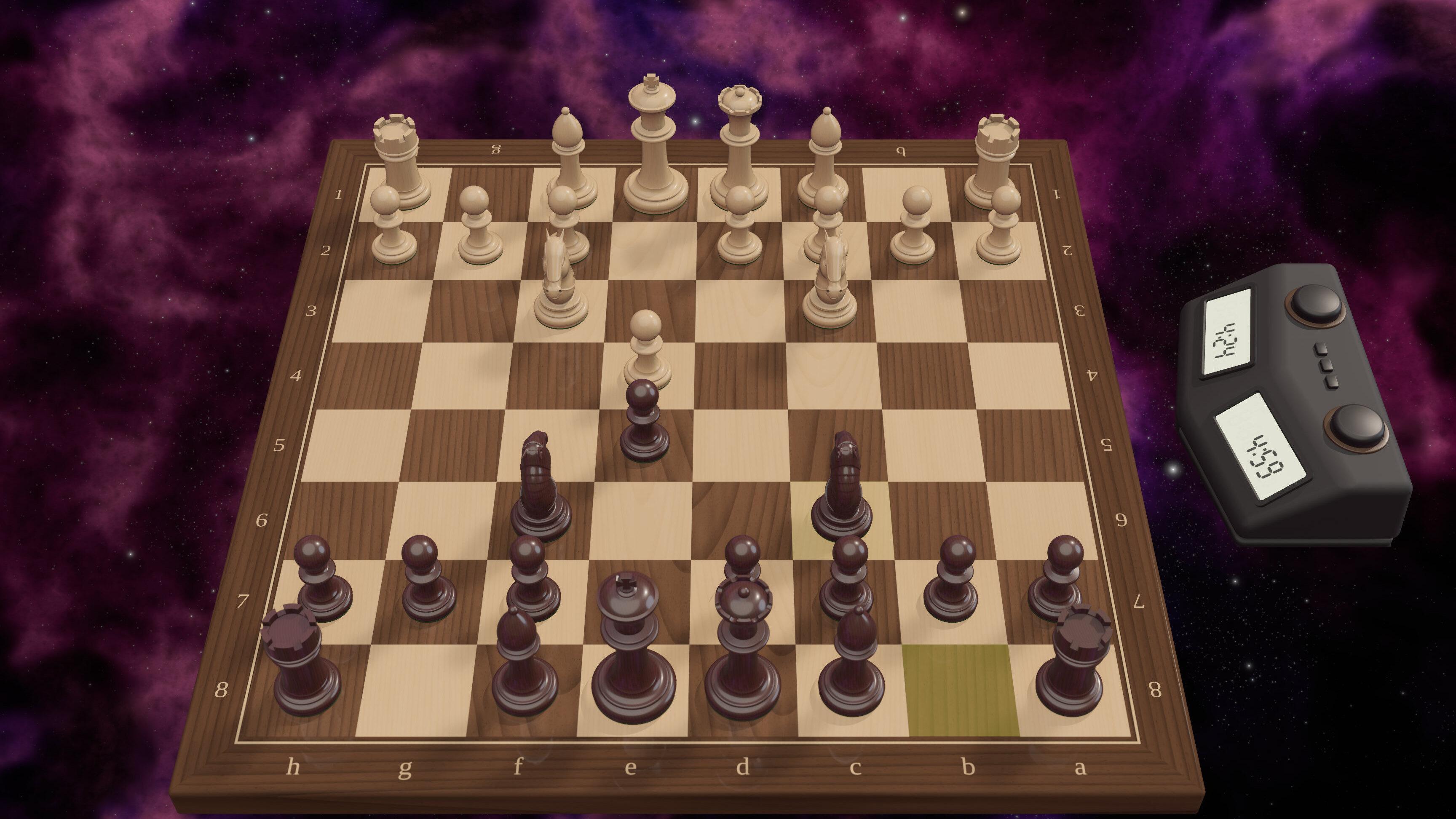
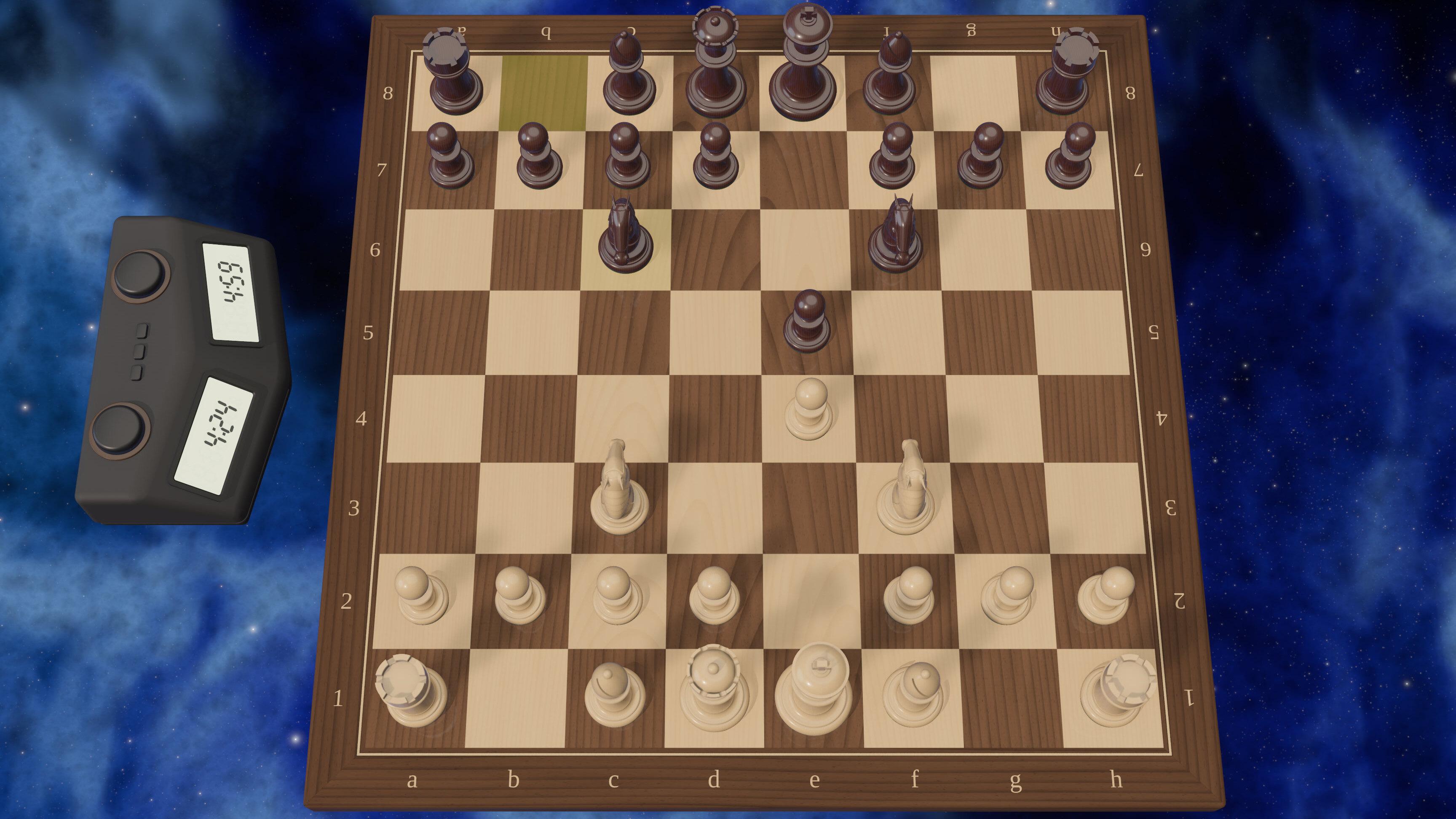
Any angle, any sky. Just ask. Say “zoom to fit,” “show me Black's side” or “blue nebula,” and Solrac moves the camera or paints a new sky round the board. Every view here is rendered by Solrac itself.
Moves like a hand moved it. Pieces lift, lean toward their square and land flat. The knight hops. A capture steps aside to its row beside the board.
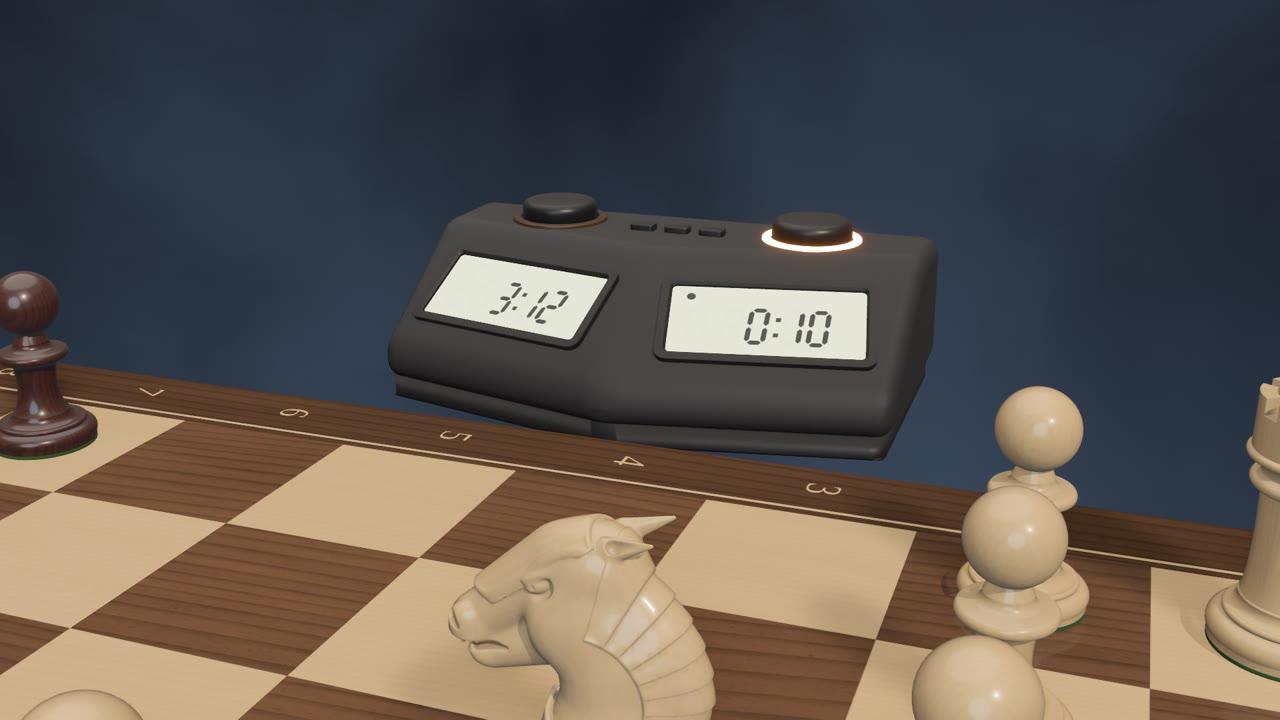
A real chess clock. A tournament clock stands beside the board, its digits counting down as you think.
A broadcast camera. On a checkmate, the camera draws in on the move and circles it, like the replay in a sports broadcast.
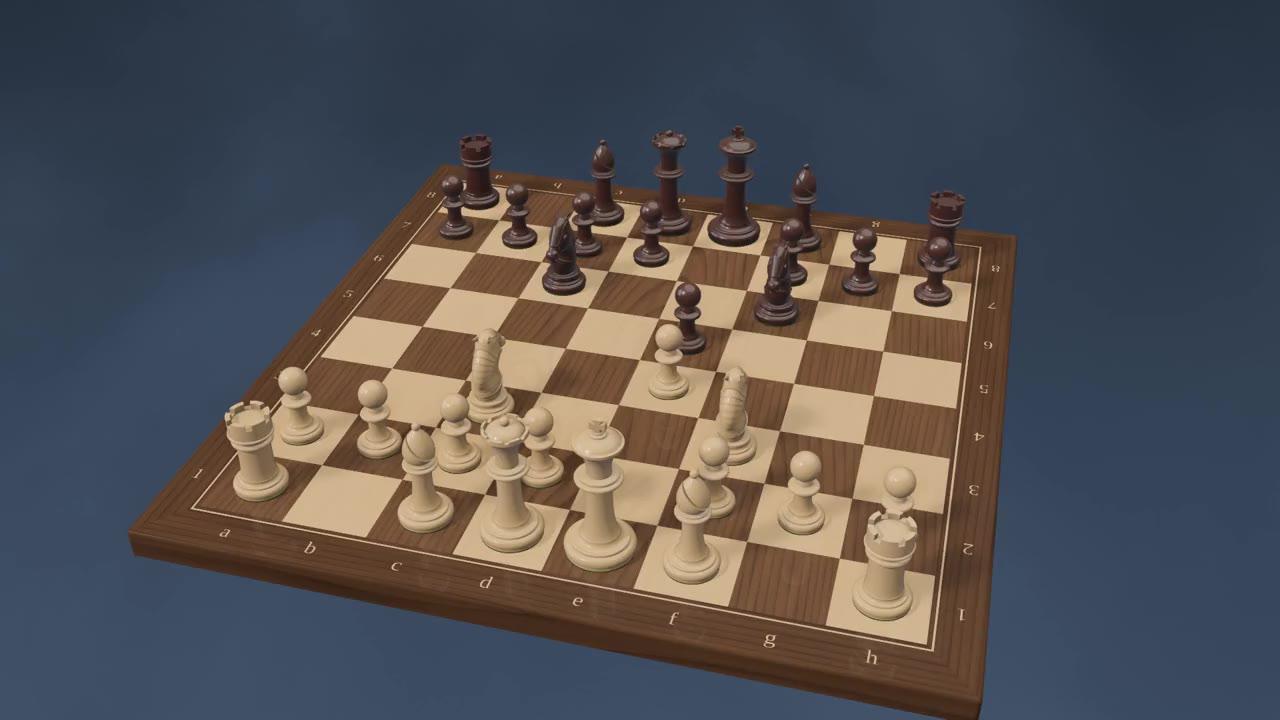
Six skies. Slate and gray slate, a blue and a violet nebula, clouds at sunset and at night. Ask for one by name, or pick it in the panel.
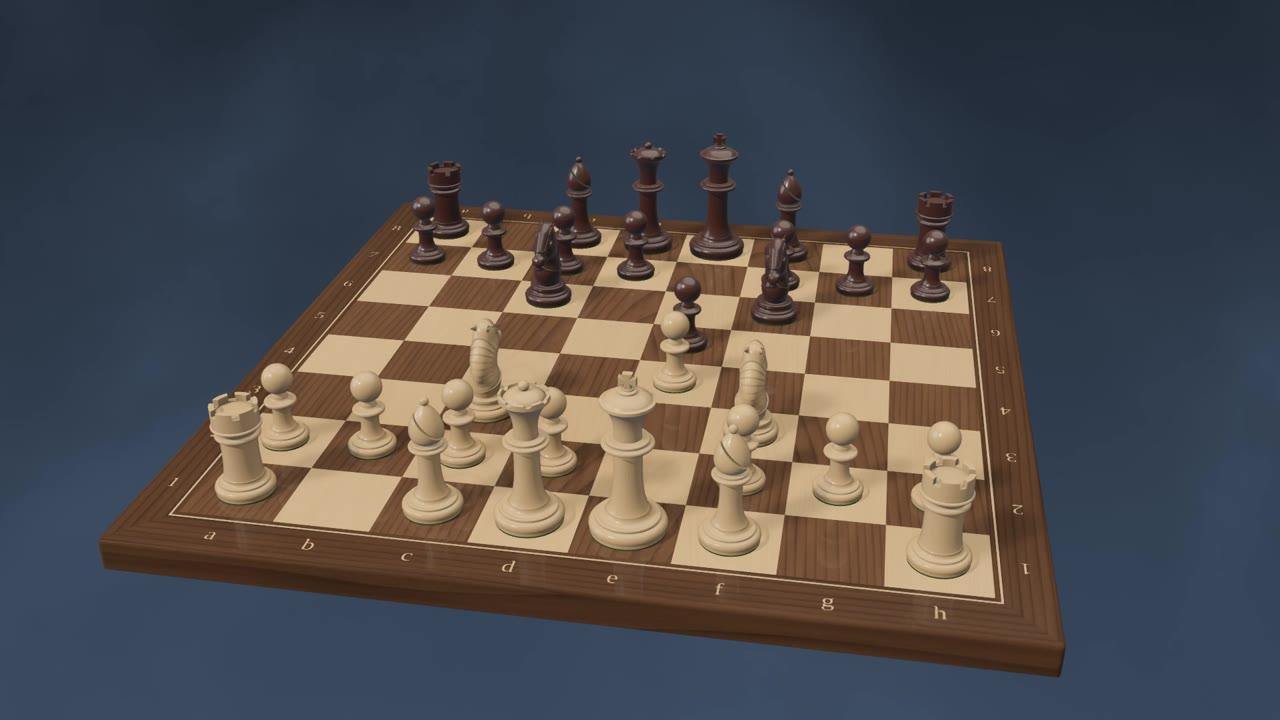
Rendered live. Physically based materials, soft shadows and sunlight, drawn in real time on your computer.
Wood on wood. Hear each piece land on the board, and the clock's button as every move presses it.
Voice
Hands free.
Eyes on the board.
Switch on Hands-free and just talk. Solrac waits for you to pause, then answers out loud. No button to hold. No keyboard. Nothing between you and the game.
You talk.
Say a move, ask a question or give an instruction. With Hands-free on, the microphone stays open, so there's nothing to hold and nothing to press.
“Bishop to b5.”
Solrac thinks.
It works out what you meant, looks at the board as it stands, and asks its engine before it judges anything.
Checking the position…
Solrac answers. Out loud.
The reply is spoken in a natural voice, and the board follows through: the move played, a line drawn, the view turned.
“Bishop b5: the Spanish Four Knights. A classic.”
Pause to send. No wake word, no push-to-talk. Stop talking and Solrac hears the whole thought.
Think out loud. Solrac plays a move only when you clearly ask for one, not when you're mulling it over.
No crosstalk. Solrac stops listening while it speaks, so it never mistakes its own voice for yours.
Private by design. Your voice is heard on your computer and never saved.2
Prefer push-to-talk? Hold the Space bar, say it, and let go.
Coach
A coach, not just an opponent.
Ask about the game in front of you, out loud and in plain words. Solrac answers like a coach: what's going on, why it matters, and what to look for next.
It shows you, too. Solrac plays its lines out right on the board: an arrow before each move, a ring where the last one landed.
4. Bb5 Bb4
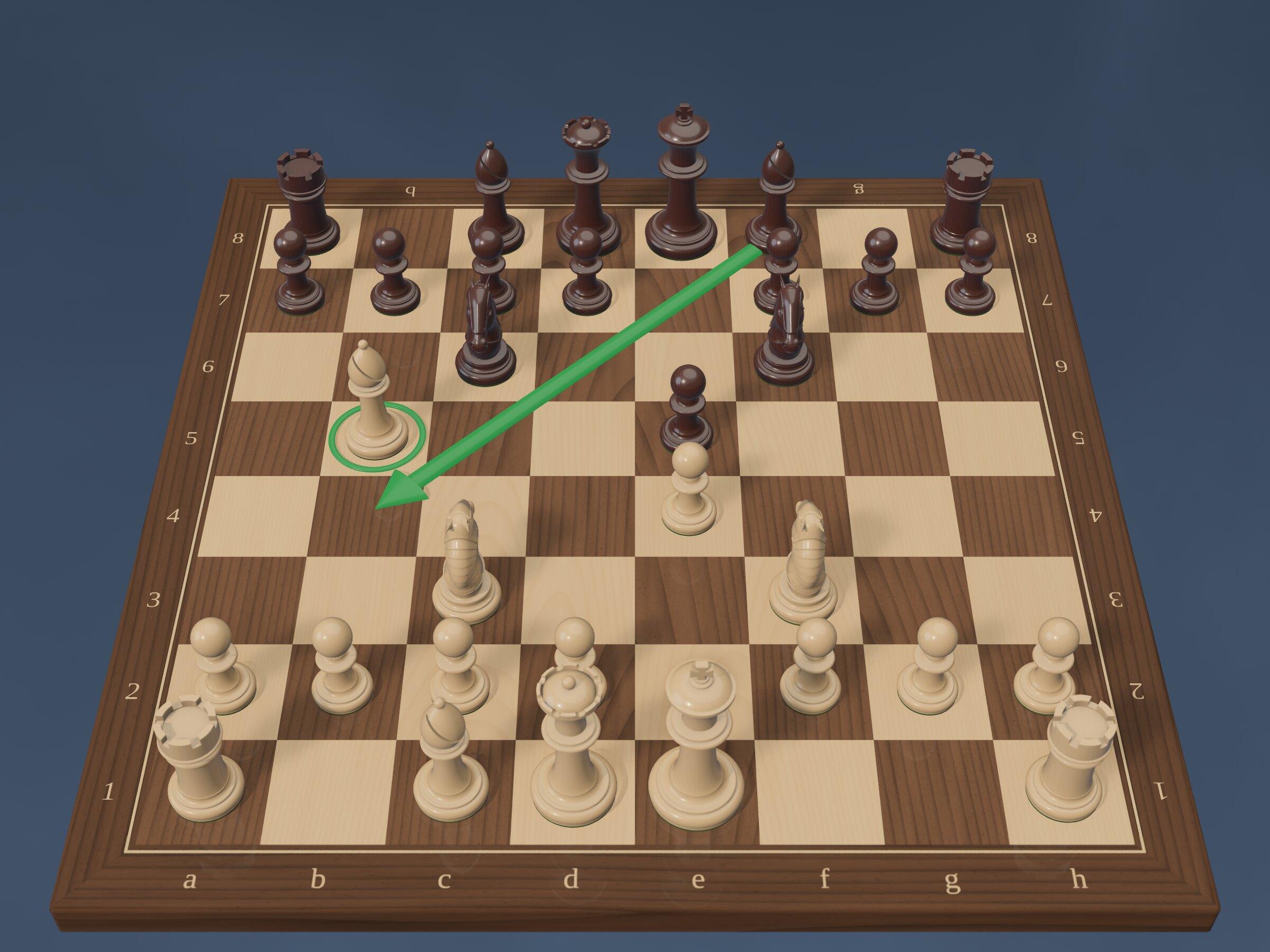
“That bishop on f1 wants out.”
Hints, not answers. Ask for a hint mid-game and Solrac gives you the idea, not the move. Finding it is still yours.
Weighs your options. Torn between two moves? Solrac searches just those and tells you how they differ.
How was my last move?
Reviews every move. It sets your move against the best one in that position, and says why.
What is Black threatening?
Sees the threats. It passes the move to your opponent and looks at what they would do with it.
Why is White better?
Explains the why. It breaks the engine's evaluation down, term by term, in plain words.
Ready to talk chess?
Join the waitlist and receive special introductory pricing.
Coming soon to Windows and Mac, then Linux.
The founder
Made by a chess player.
A player since the age of seven, and a chess-software developer since Chessmaster.

Carlos Justiniano
Founder, Solrac Chess AI
I started playing chess at seven and went on to compete in high school, where I served as captain of my chess team.
My passion for chess became part of my career in software. I worked as a developer on Chessmaster 4000, then as team lead and project manager on Chessmaster 5000. Later, I co-founded ChessBrain with Colin Frayn. In 2004, the project earned a Guinness World Record as the world’s largest networked chess computer, bringing together 2,070 computers across 56 countries.
I’ve continued developing my own game, reaching expert-level strength on Chess.com. Today, I’m bringing that experience as a player and chess-software developer to Solrac Chess AI, with the goal of creating a next-generation chess coach.
2004
A Guinness World Record for ChessBrain, the world’s largest networked chess computer
2,070
Computers it brought together, across 56 countries
Expert
Level of play on Chess.com
Engine
A grandmaster-level engine, built from scratch.
Solrac thinks with its own chess engine, written from the ground up in Rust. It judges every position. Solrac explains it.
GM
Grandmaster-level play at full strength
21
Levels of play, from first lessons to full strength
2500
The Lichess rapid rating its levels climb to, from 6001
Plays at your level. Each level is tuned to how often players of that rating blunder, so it plays like a person, not a machine holding back.
1400
The Lichess rapid rating it plays like
Level 8
The engine judges. Solrac explains. Every score, best move and line Solrac gives you comes from the engine, never guessed by the language model.
4. Bb5 Bb4 5. O-O O-O 6. d3 d6
Written in Rust. Built to be strong, and clear enough to learn from.
Runs on your computer. The engine needs no connection to think.
Never in the way. It searches in the background, so the board never waits for it.
And more
Everything a serious player expects.
The details that make Solrac a real chess program, not just a beautiful board.
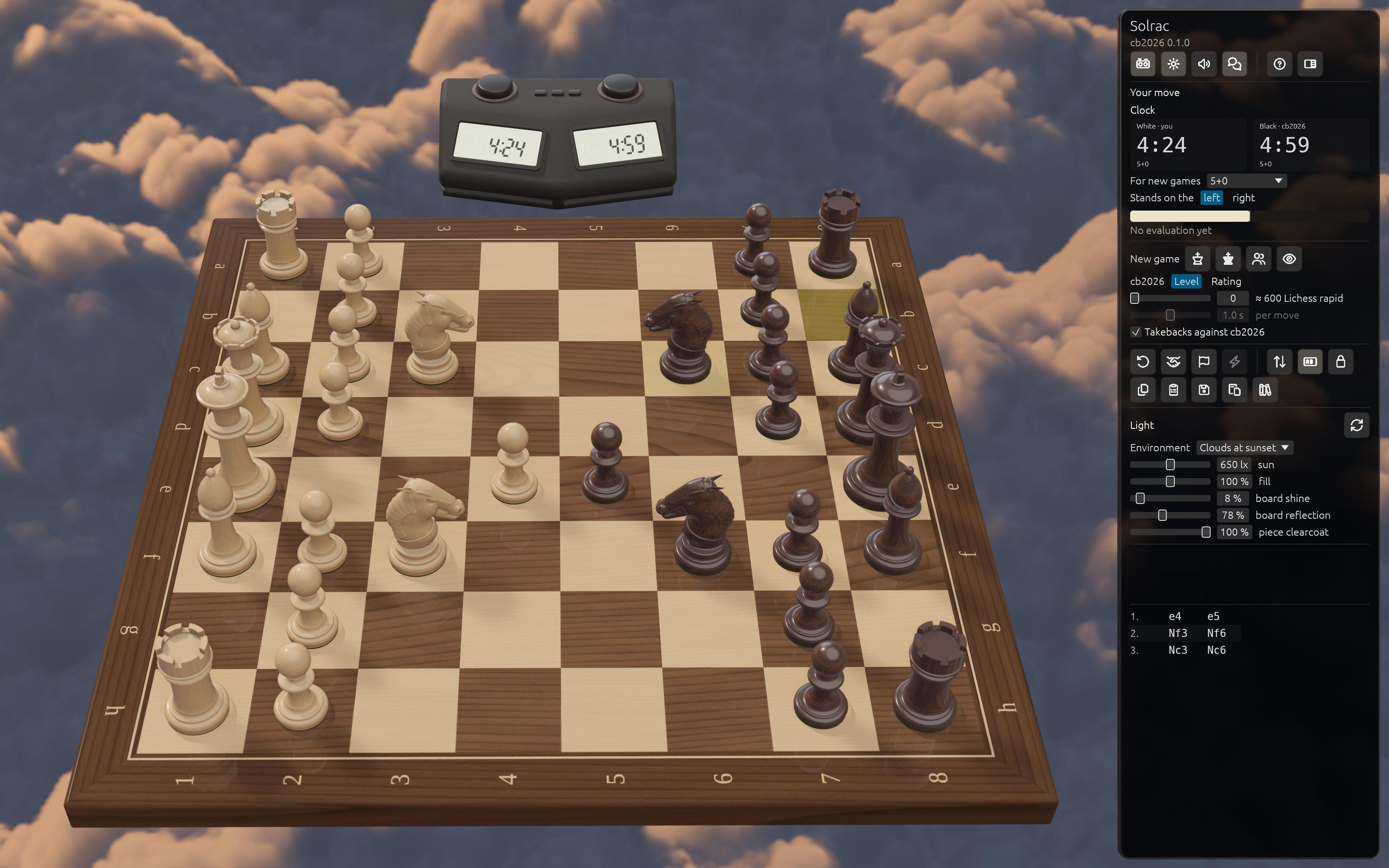
Every way to play. Take on Solrac as White or Black, play a friend at the same board, or watch Solrac play itself.
Proper time controls. Sudden death, Fischer increment, or a fixed time per move.
PGN and FEN, in and out. Paste a game or drop in a .pgn file, step through it, and play on from any move.
Takebacks, your way. Undo any move, or switch takebacks off when you want a real test.
Draw offers. Solrac takes a fair draw, and offers one when a late game stays level.
Picks up where you left off. Your game in progress and your settings are kept between sessions.
Every rule, exactly right. Checkmate, stalemate, repetition, the fifty-move rule, insufficient material and the flag.
Made for Windows and Mac. Native on both, with the same features.
Agentic harness
The Chess-based Agentic Harness.
Solrac's AI doesn't just talk about chess. It acts: it plays moves, turns the board, sets the clock and consults the engine, through 31 tools built around the game. And nothing reaches the board without passing the rules first.
The model proposes. Solrac decides. Every request becomes a precise command, checked against the game as it stands, and carried out by the same code as Solrac's own buttons.
You say
“Bishop to b5.”
Agent
Play a move
Command
Play Bb5
Rules
Legal move ✓
Board
Bb5 played
31 tools. Every control. Anything you can click, you can ask for: “put the clock on the left,” “turn the sound down,” “load this PGN.”
- Look at the board
- Play a move
- Analyse the position
- Compare moves
- Review a move
- Find the threat
- Explain the score
- Draw lines on the board
- Turn the camera
- Face either side
- Zoom in and out
- Fit the board
- Start a new game
- Resign
- Offer a draw
- Take back a move
- Move now
- Set the level
- Set the clock
- Labels and panel
- Change the light
- Sound and volume
- Voice settings
- Check the settings
- Copy PGN or FEN
- Save the game
- Load a game
- Step through the game
- Play from here
- Restart the engine
- Ignore side talk
Resign this game?
The game is still in progress.
It asks before it acts. A new game or a resignation mid-game always waits for your Yes. The app enforces it, not a prompt.
Every move is checked. The rules read every move the AI makes. One that isn't legal never reaches the board.
Never out of date. If the game moves on while the AI is thinking, its answer for the old position is thrown away.
Stop means stop. Press Stop and whatever the AI was about to do is cancelled, even a move on its way to the board.
Built in Rust
Fast by nature. Stable by design.
Solrac is written in Rust, from its engine to its 3D board. Windows and Mac come first. Rust is why Linux follows fast.
Fast. Rust compiles to native machine code, with no garbage collector to pause it, so the 3D board stays smooth while the engine thinks and Solrac talks.
Stable. Rust’s compiler rules out whole classes of crashes, like memory errors and data races, before Solrac ever ships. And Solrac’s own code forbids unsafe Rust, the language’s escape hatch, entirely.
Ready for Windows, Mac and Linux. Rust builds for Windows, Mac and Linux from the same code, and Solrac already builds and runs its tests on Linux.
Coming soon to Windows and Mac.
Written in Rust, so Linux follows fast.
Join the waitlist and receive special introductory pricing.
We’ll only email you about Solrac.